Stop Telling Burglars You’re Away – This Genius Trick Keeps Them Guessing!
Heading out for a few nights? Great for you, not so great for your nerves as you picture a sneaky burglar peeking through your window like a cartoon villain. But don’t worry, there’s a smarter way to keep your home looking lively, even when you’re miles away
If you did get robbed, aside from the expensive repairs to your property it would cause, there’s also the hassle of replacing all of your stolen property. Remember the old school trick of leaving a light on to make burglars think you’re home? Spoiler: they weren’t fooled. A lamp blazing 24/7 is about as subtle as a neon Vacancy sign.
But in the 21st century we have much more effective ways of deceiving would-be thieves and making our lives more convenient. Keep reading to find out more.
How To Remotely Control Your House Lights
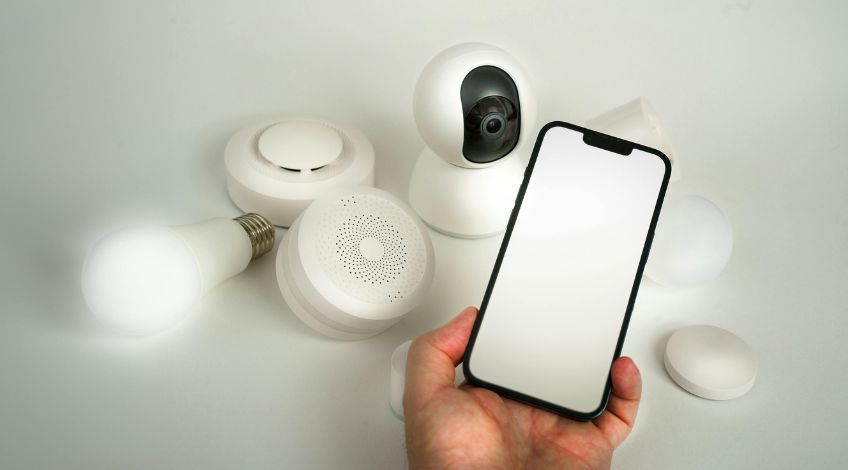
These days, everything’s getting smarter, your phone, your TV, even your fridge is angling for a spot on Mensa. And now, lights have joined the IQ race too. These can be controlled via an app on your smartphone or from a voice assistant service.
Before you can use these smart lights you need to do a small bit of work. Namely;
- You need to switch the smart lights on.
- Bluetooth bulbs have to be connected to a hub.
- The hub needs to be connected to the internet.
Once you have the system all set up and in place, long distance light control is a very real possibility.
Controlling Smart Lights Using An App
As long as it’s set up right, you can use an app to control your smart lights and smart switches. This means you can make it seem like you’re at home, even when you’re miles away.
Back in the day you had these plug in wind up timers that turned the light on at a set time every day until the timer stopped working. They were alright but they only controlled one light.
Ah, the good ol’ plug-in timers. They were fine, if you didn’t mind your lights turning on at 3 p.m. instead of 6 because you forgot to adjust for daylight savings. Smart lights, on the other hand, are like timers that hit the gym and got an upgrade.
Smart lights can be used to control exactly when the lights come on and go off from your phone. And when you’re at home, you can turn lights on and off from the comfort of your armchair without needing to get up.
Selecting The Right App For The Job
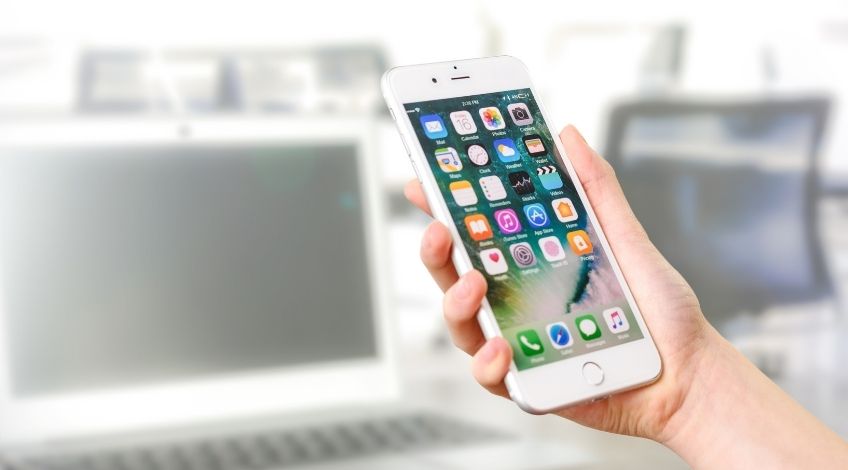
Picking the right app is like picking a karaoke song, it all depends on what you’ve got and how much you want to show off. Got just one smart light? Keep it simple. Have your whole house decked out in tech? Go big or go home.
There are single task apps which have been designed to control just one system or smart device. These will be ideal if you only have one smart lamp or one smart switch to operate the lights in a single room.
However, if your home has more than just a few smart devices, you can get a multi-task app which can be integrated with all of your smart devices. Which means the one app can control every smart device you have in your home.
Some of these apps can even detect when you’re out and automatically switch the lights on (or off).
You Can Also Control Your Smart Lights With A Virtual Home Assistant
If you’ve already got Alexa or Google Assistant running your life, good news: they’re also ready to play home security guard. Just don’t expect them to throw on a uniform. They can be used to control your lights remotely. But it does mean downloading an app to communicate with them.
Virtual assistants work with voice commands when you’re at home, but that won’t be any good if you’re 250 miles away. But, once you’ve got the app on your smartphone you’ll still be able to use voice commands to control your virtual home assistant.
This will allow you to switch lights on and off, change the colour of the lights and even dim them! All through your smartphone via the virtual home assistant.
This will also give you access to some nifty features like Amazon Alexa’s “Away” lighting. Alexa takes note of how you use lights when you’re at home and mimics this when you’re away. You will need to switch this feature on in the app of course, but then it will appear like you’re at home even when you’re not.
Google Home does a similar thing so it doesn’t matter which virtual home assistant you use, you can always give the impression of being home when you’re out and about.
Do Smart Lights Need To Be Turned On To Work Remotely?
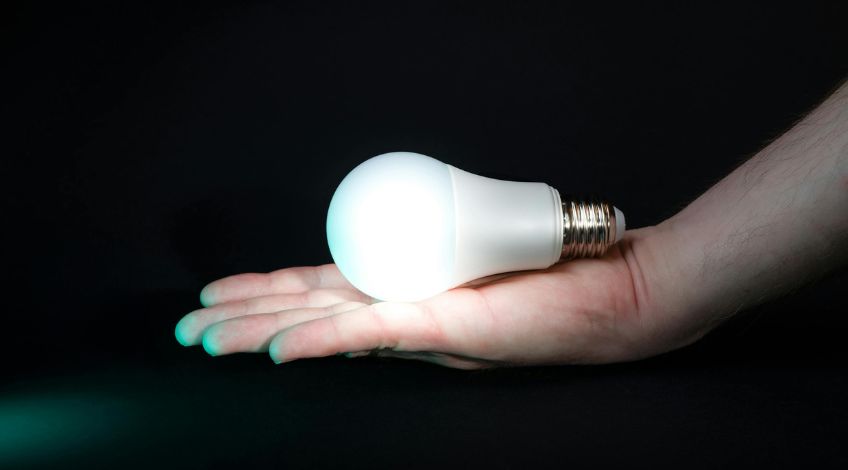
Smart lights will only work if they’re connected to the internet so they need to be switched on at the socket to be controlled remotely.
Smart switches are already wired into the main power supply of your home so they’re always switched on. Which means as long as there’s a connection between your device and the internet, and your home internet is working, you’ll have the ability to control your smart switches remotely.
Do You Need A Hub To Remotely Control Smart Lights?
Good news: If your smart bulbs are WiFi-enabled, you can skip the hub. Bad news: if you cheaped out on bulbs, you might need one, and hubs can be a little needy when it comes to setup.
Cheaper smart lights often need to be connected to a router to connect them to the internet. Actual WiFi bulbs don’t usually need a hub connection.
Many of these cheaper bulbs rely on the Zigbee hub. For instance, Philips Hue bulbs are Zigbee bulbs and need a Zigbee hub to allow them to connect to an internet router.
Having said that, some smart devices like Amazon Echo can be used in place of a hub to connect smart bulbs directly to the internet.
What About Bluetooth Connected Smart Lights?
If your smart lights are connected using bluetooth, you won’t be able to control them if you’re out of range. Unless you connect them to a hub which will connect them to the internet.
So, How Do You Control Smart LED Bulbs To Keep Thieves Away?
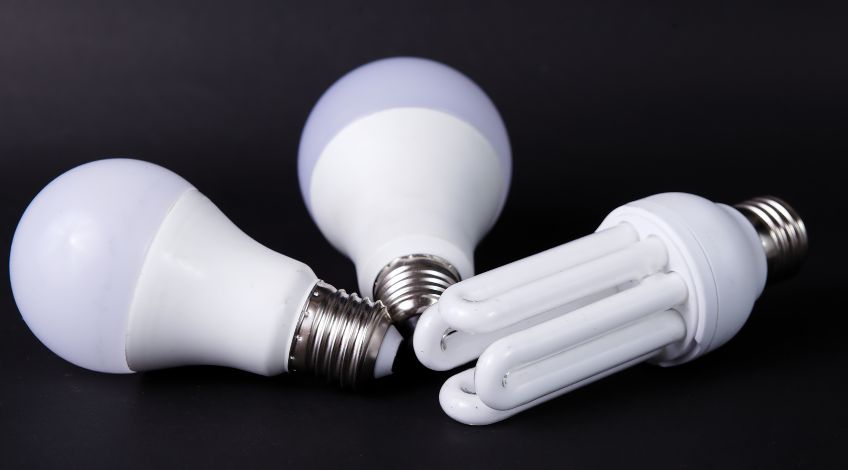
There are multiple ways to control smart LED bulbs and it really depends on the system you already have set up. The Apple Homekit for example, has various smart devices that can be controlled through the one system.
Alternatively, the Philips Hue app is also quite a popular choice and is usually compatible with other brands too. But, it is quite expensive to set up because all of the devices need to be connected to a bridge or hub.
Google Home is also a popular choice and is also compatible with other brands and comes out on top when it comes to understanding voice commands.
Burglars love a dark, quiet house, it’s practically an invitation. Randomly flicking lights on and off from afar is the digital equivalent of yelling, ‘Occupied!’ Bonus points if you use the ‘away’ feature, it’s like having a stand-in version of yourself at home, minus the snack consumption.
In Conclusion:
So there you have it, turning your home into a fortress of light is easier than ever, and you don’t even have to lift more than a finger (literally). With smart lights and a clever app or assistant, you can keep burglars scratching their heads while you’re off living your best life.
Why leave your home looking like an easy target when you can make it the house that’s “definitely occupied”? Take the first step today: grab some smart lights, download a top notch app, and start flipping those switches like a pro, even if you’re lounging on a beach 1,000 miles away.
Your home deserves better security, and let’s face it, you deserve the peace of mind. Get started now, and make any would-be burglars wish they’d chosen another career.
SEE ALSO: 17 Small Habits That Make a Big Difference to Your Home’s Cleanliness
Frequently Asked Questions
Smart lights can be controlled remotely through an app on your smartphone or via a virtual home assistant like Alexa or Google Assistant.
The main problem with leaving a light on continuously is that it’s a dead giveaway that no one is home because no one realistically leaves the same light on for days.
No, you don’t always need a hub to use smart lights. WiFi-enabled smart lights connect directly to the internet without a hub, but some cheaper bulbs or Zigbee based lights do require one.
Also, follow us on Pinterest ...