Microwave Beeps Driving You Mad? Here’s How to Silence It Instantly
Modern kitchens are filled with gadgets, but few cause as much unexpected frustration as a beeping microwave. Whether it’s an early morning breakfast or a late night snack, loud alerts can feel like a rude interruption.
For those living in shared homes, the problem is even worse as every loud beep risks waking someone up. Thankfully, there is a quick and simple fix. Many microwaves include a built-in silent mode, designed exactly for moments like these.
These tips apply to most microwave models found in UK homes, including brands like Panasonic, Sharp, Russell Hobbs, and Samsung.
Let’s look at how you can silence the noise without damaging your appliance or voiding your warranty.
Why Do Microwaves Beep So Much?
The constant beeping is more than just a design choice. Microwaves use sound alerts to signal when food is ready, when buttons are pressed, or if something has gone wrong.
These sounds can be helpful in busy households, especially when multitasking. However, the noise can quickly become annoying, especially when the beeping continues long after the timer ends. For some models, the sound repeats until the door is opened. While this feature is meant to prevent forgotten food, it often feels more irritating than helpful.
Can You Really Turn Off Microwave Sounds?
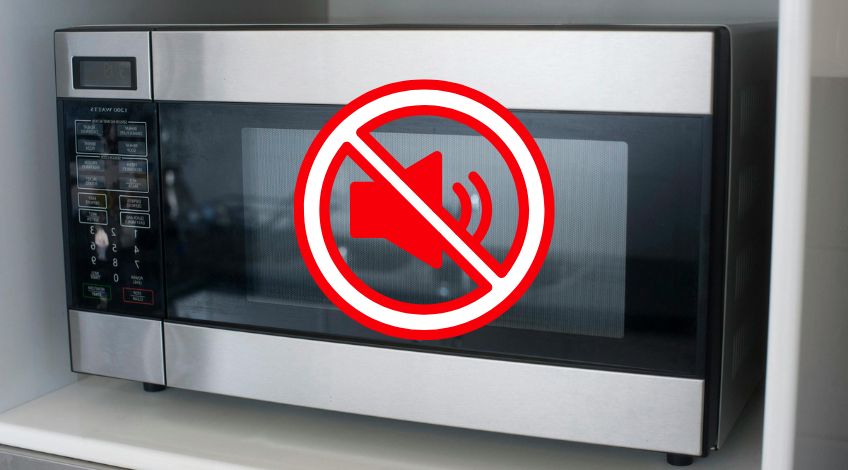
Yes, in most cases, microwave sounds can be silenced without needing special tools or repairs. Manufacturers often include a “sound off” or “silent mode” function, although it’s not always clearly marked.
Some brands allow you to turn off both button beeps and the end of cook alert, while others only silence one or the other. It’s worth checking, as the feature is usually built in, even on cheaper models.
Even if your microwave is a few years old, there is still a chance it has this feature, it is just not always obvious. Before assuming it is not possible, try a few simple methods listed below.
Use the Sound or Mute Button
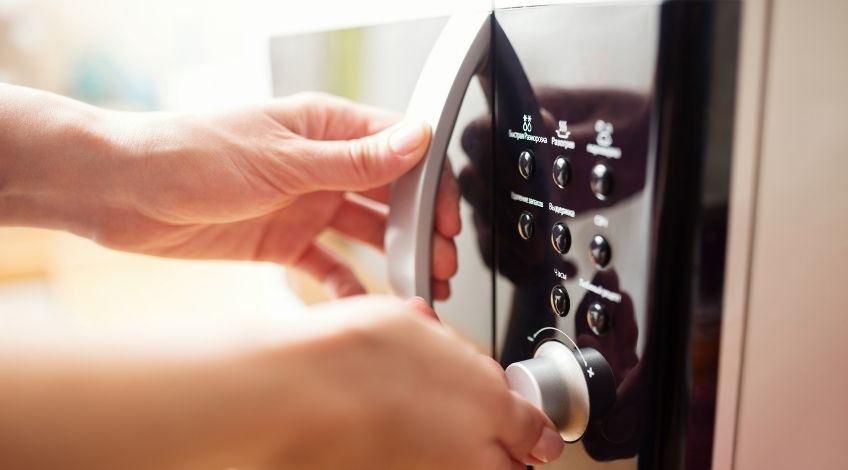
The easiest way to silence your microwave is by finding the dedicated sound control button.
Look carefully for a key labelled “Sound”, “Mute” or showing a small speaker icon, some even have a slash through the speaker to show it turns the beeping off.
One press is usually all it takes to switch between sound on and off. If your microwave has this option, it will be one of the quickest changes you ever make.
Some models will give a confirmation beep (ironically) when silent mode is activated. Once set, the appliance will continue to cook as usual, just without the unnecessary noise.
Hold Down the Right Button
If there is no clear mute button, do not give up. Many microwaves hide the silent mode feature behind a long press of a number key, usually 0, 1 or the “Stop” or “Cancel” button.
Press and hold for around five seconds and watch the display screen. Some models will flash OFF or show a small icon to confirm the sound has been disabled.
This trick works on several popular brands including Samsung, Panasonic and Whirlpool, though not all models are the same. If nothing happens, try the same trick on a different key.
Check the Instruction Manual
It might sound old fashioned, but the best way to confirm your microwave’s silent mode is to read the instruction manual. The section on sound settings is usually near the back or under Settings or Additional Features.
Lost your manual? Most manufacturers offer free PDF versions online, just search for your microwave’s model number on their website.
Reading the official guide helps avoid button pressing guesswork and ensures you do not activate a feature you did not mean to.
It may also reveal other helpful shortcuts, like adjusting power levels or setting child locks.
Is It Safe to Mute Your Microwave?
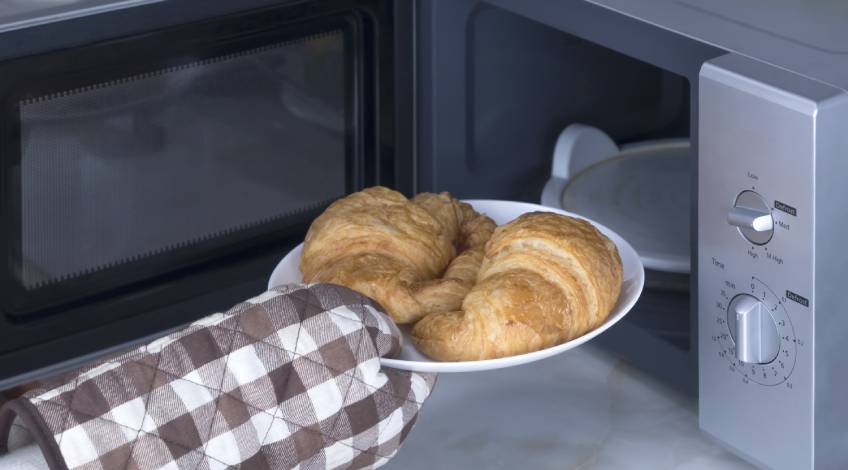
Turning off your microwave’s beeping does not affect its cooking performance or safety. The sound alerts are there for convenience, not function.
In fact, many people find that using silent mode makes them more relaxed in the kitchen. You will still be able to monitor cook times on the screen, and the turntable will still spin as normal.
Just keep in mind that if you rely on the beep to remind you food is done, you will need to keep an eye on the timer. In quiet homes or shared spaces, though, muting the sound can be a real lifesaver.
Show Others How to Stop the Beeping in Seconds!
This quick trick is perfect for anyone tired of loud microwave beeps during busy mornings or late night snacks. Share it on social media so others can enjoy some peace and quiet too!
SEE ALSO: Microwave Buttons Not Working? (here’s why & what to do)
Also, follow us on Pinterest ...