7 Appliances You Should Unplug Every Night (And 3 You Shouldn’t)
If you’re tired of sky high electricity bills that seem to climb every month despite your best efforts, you’re not alone. Many households are unknowingly wasting money on phantom power loads from appliances that continue drawing electricity even when they’re supposedly “off”.
The truth is, some appliances are secretly draining your wallet while you sleep. But here’s the brilliant part: unplugging just seven specific appliances every night can help reduce your electricity costs and make your home more energy efficient! Meanwhile, three crucial appliances should never be unplugged and we’ll tell you exactly why.
Ready to take control of your energy bills? Let’s discover which appliances are costing you money and which ones you should leave plugged in for safety and convenience.
The 7 Energy Vampires You Should Unplug Every Night
These appliances are the worst offenders when it comes to standby power consumption. By unplugging them before bed, you’ll notice the difference in your next electricity bill.
1. Television And Entertainment Systems
Your telly might look completely off, but it’s actually one of the biggest energy vampires in your home. Modern smart TVs, cable boxes, gaming consoles, and sound systems all consume power 24/7 to maintain internet connections and enable instant on features.
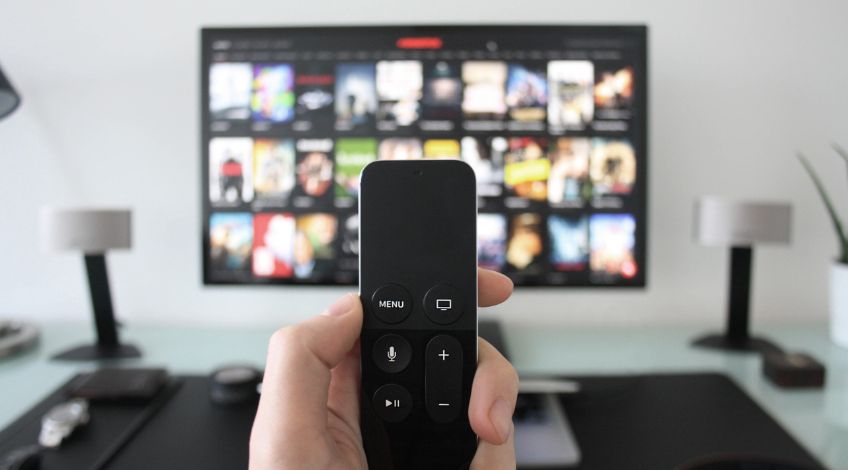
A typical 50 inch smart TV uses about 0.5 watts in standby mode, which might not sound like much. However, when combined with your cable box (15 watts), gaming console (10 watts), and sound system (5 watts), you’re looking at roughly 30 watts of continuous power consumption. These phantom loads add up over time, making entertainment systems one of the biggest opportunities for energy savings.
The solution? Use a smart power strip with multiple outlets near your entertainment centre. At bedtime, simply flip one switch to cut power to everything at once. Your morning routine stays the same, you just need to press the power strip button first.
2. Computer Equipment And Peripherals
Your home office setup is likely costing you more than you think. Desktop computers, monitors, printers, routers, and speakers all draw power continuously, even when you’re not using them.
Desktop computers can use 5 to 10 watts in sleep mode, while monitors typically consume 1 to 3 watts when turned off but still plugged in. Printers are particularly sneaky, often using 5 to 15 watts in standby mode just waiting for that next print job. When you add up all your computer peripherals, you could easily be wasting 25 to 40 watts overnight.
Here’s a simple trick: connect everything to a power strip and make switching it off part of your evening routine. Most people worry about having to restart their computer, but modern computers boot up so quickly that the minor inconvenience is worth the savings.
3. Kitchen Appliances With Digital Displays
Walk through your kitchen and count how many appliances have glowing clocks or digital displays. Microwaves, coffee machines, toasters with digital controls, and even some kettles are drawing power around the clock just to keep those displays lit.
Microwaves are among the more noticeable offenders for continuous power consumption, typically using a few watts continuously to keep their digital displays running. Coffee machines with programmable timers also draw small amounts of power overnight. Even that fancy digital toaster might be consuming power just to keep its clock running.
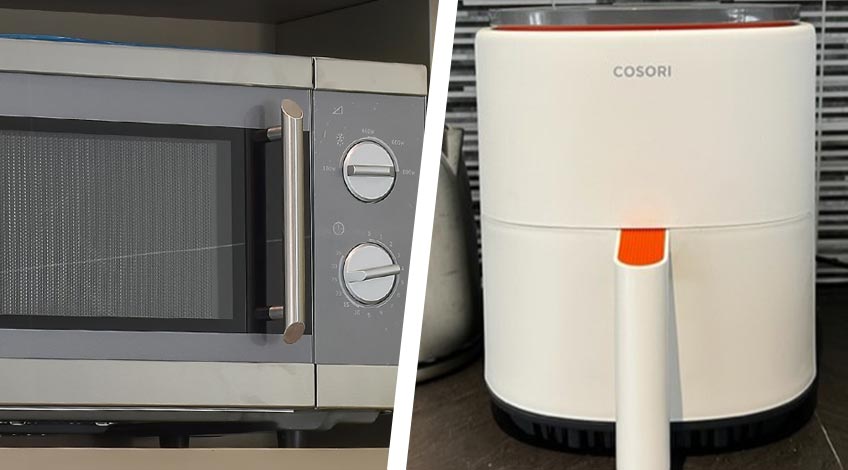
The good news is that most of these appliances don’t lose important settings when unplugged overnight. Yes, you’ll need to reset the clock on your microwave occasionally, but reducing phantom energy consumption makes this minor hassle worthwhile. Consider unplugging everything except your refrigerator and freezer in the kitchen before bed.
4. Phone And Device Chargers
This might surprise you, but phone chargers continue drawing power even when nothing’s plugged into them. The same goes for laptop chargers, tablet chargers, and any other wall adapters throughout your home.
Individual chargers use very little power when not charging a device, but most households have numerous chargers scattered about. Modern chargers are quite efficient when idle, so the impact is minimal, but unplugging them when not in use is still a good habit for reducing phantom loads.
Make it a habit to unplug chargers when you’re done using them. Better yet, use a charging station with a power switch that you can turn off each night. This approach keeps all your chargers organised and makes it easy to cut power to all of them at once.
5. Audio Equipment And Speakers
Sound systems, Bluetooth speakers, smart speakers, and stereo equipment are designed for instant activation, which means they’re always listening and always consuming power.
Traditional stereo systems can use 5 to 15 watts in standby mode. Smart speakers like Amazon Echo or Google Home typically use 2 to 4 watts continuously because they’re always listening for voice commands. Even portable Bluetooth speakers often have standby modes that consume power while waiting to connect to your phone.
If you’re not using these devices overnight, there’s no reason for them to be drawing power. Unplug standalone speakers and audio equipment before bed. For smart speakers, you might want to keep one plugged in if you use it for morning alarms or routines, but unplug any extras in bedrooms or less frequently used areas.
6. Gaming Consoles
Modern gaming consoles are particularly energy hungry, even when they appear to be off. PlayStation and Xbox systems use instant on features that keep them partially active to download updates and enable remote access.
A PlayStation 4 uses about 8.5 watts in rest mode, while an Xbox One can consume up to 15 watts even when “off” if the instant on feature is enabled. Gaming PCs can be even worse, with some high end systems using 20 to 50 watts in sleep mode.
Gaming consoles often download updates overnight, but these updates can usually wait until you’re actually using the system. Consider unplugging your console after gaming sessions, or at minimum, enable the full shutdown mode instead of rest mode.
7. Small Appliances With LED Displays
Throughout your home, you probably have numerous small appliances with LED displays or indicator lights. Think alarm clocks, DAB radios, air fresheners with timers, electric toothbrush charging stations, and decorative items with LED lights.
These items individually use very little power. However, when you have numerous small energy consuming devices throughout your home, they can contribute to your overall phantom load. The cumulative effect varies depending on how many such devices you have and their individual consumption levels.
Do a walk through of your home and identify all the small appliances with glowing lights or displays. Many of these can be unplugged overnight without any real inconvenience. Battery powered alternatives often work just as well for items like alarm clocks and radios.
The 3 Appliances You Should Never Unplug
Not everything should be unplugged overnight. These three types of appliances serve important functions that make them worth keeping connected.
Refrigerators And Freezers
This should go without saying, but refrigerators and freezers must stay plugged in continuously to keep your food safe. Unplugging these appliances overnight could lead to food spoilage, health risks, and costly grocery replacement bills.
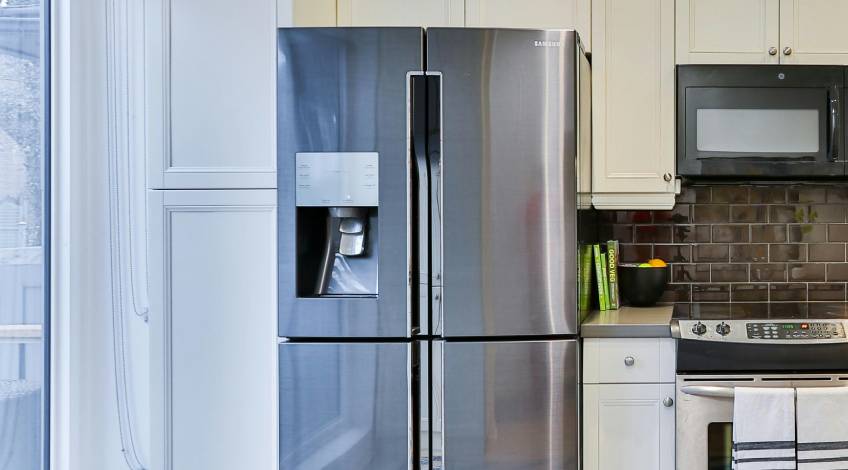
Modern refrigerators are actually quite energy efficient and cycle on and off automatically to maintain proper temperatures. The energy they use is necessary and valuable, unlike the phantom loads from entertainment equipment.
If you’re concerned about refrigerator energy consumption, focus on proper maintenance instead. Keep the coils clean, ensure door seals are tight, and avoid keeping the door open longer than necessary.
Security Systems And Smoke Detectors
Home security systems, burglar alarms, smoke detectors, and carbon monoxide detectors should never be unplugged. These systems protect your family and property around the clock, making their energy consumption absolutely worthwhile.
Most modern security devices are designed to be energy efficient while still providing continuous protection. The small amount of electricity they use could literally save lives or prevent theft, making them excellent value for money.
If you have a comprehensive home security system, it might use 10 to 20 watts continuously, but this is a crucial investment in your family’s safety and peace of mind.
Medical Equipment And CPAP Machines
Any medical devices or mobility equipment should remain plugged in overnight. This includes CPAP machines, oxygen concentrators, mobility scooter chargers, and other health related equipment.
These devices often need to maintain power for proper operation or to ensure they’re ready when needed. The energy cost of running medical equipment is a necessary expense that directly impacts health and quality of life.
If you use a CPAP machine, for example, it needs to run all night. Even when not actively in use, keeping it plugged in ensures it’s ready for your next sleep cycle and maintains any data logging functions.
Smart Strategies To Maximise Your Savings
Making the switch to unplugging energy vampires doesn’t have to be complicated. Here are some practical approaches that make the process easier and more effective.
Use Smart Power Strips
Smart power strips are your best friend for managing phantom loads. These strips automatically cut power to devices when they’re not in use, or they can be controlled remotely through smartphone apps.
Look for power strips with individual outlet controls, so you can keep essential items powered while cutting electricity to everything else. Some strips even have timers, allowing you to automatically cut power to entertainment systems late at night and restore power before you wake up.
Create An Evening Routine
Make unplugging appliances part of your bedtime routine, just like locking doors or turning off lights. Start with the most obvious energy vampires like TVs and computers, then gradually add other appliances as the habit becomes natural.
Keep a mental checklist: entertainment centre off, computer equipment off, kitchen appliances (except fridge) unplugged and chargers disconnected. This routine takes less than five minutes but can save you hundreds of pounds per year.
Focus On The Biggest Offenders First
If unplugging everything feels overwhelming, start with the appliances that use the most standby power. Entertainment systems and computer equipment typically offer the biggest savings, so begin there.
Once you’ve mastered the high impact appliances, you can gradually add smaller items like kitchen gadgets and chargers. Every watt counts, but focusing on the biggest energy vampires first gives you the most immediate results.
Monitor Your Progress
Keep an eye on your electricity bills to see the impact of your new habits. Many energy suppliers provide online tools that show daily or weekly consumption, making it easy to track your progress.
You might also consider investing in a whole house energy monitor, which can show you real time consumption and help identify other opportunities for savings. Seeing the immediate impact of your actions can be incredibly motivating.
The Bottom Line On Saving Energy At Night
Unplugging energy vampires every night is one of the simplest ways to reduce your electricity bills without sacrificing comfort or convenience. By targeting the seven biggest offenders while keeping essential appliances connected, you can reduce your home’s phantom load and take control of your energy consumption.
The key is starting small and building consistent habits. Begin with your entertainment centre and computer setup, then gradually add other appliances as unplugging becomes part of your evening routine. Remember, every appliance you unplug represents money back in your pocket and a smaller environmental footprint.
Your wallet will thank you, and you’ll sleep better knowing you’re not wasting money on phantom power loads! Try unplugging just your TV and computer setup tonight, then share this tip with friends on Facebook to help them save money too.
SEE ALSO: Is Your Air Fryer Making You Sick (What No One Tells You)
Also, follow us on Pinterest ...