Hotpoint Washing Machine Display Says tESt? (here’s why & what to do)
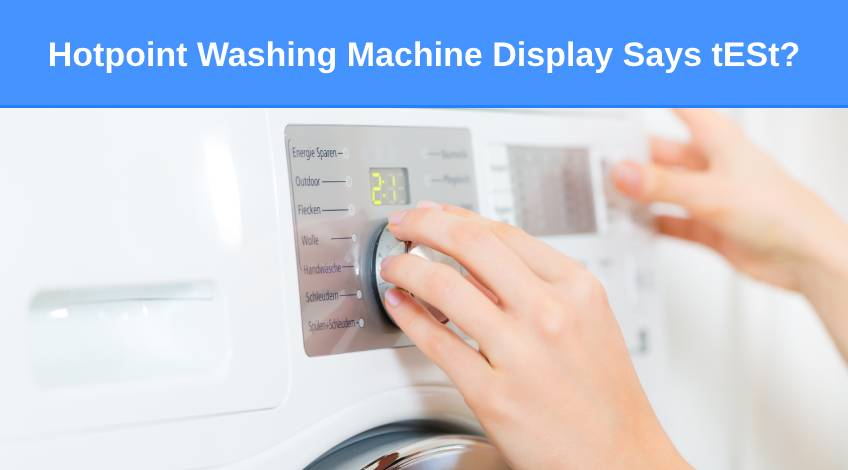
If you own a Hotpoint washing machine and it has what looks like “tESt” in the display screen and it won’t let you select a programme it can be annoying. Especially if you don’t understand what it means or how to fix it.
In this article I take a close look at what “tESt” means, what your washer is doing and how to clear it. Keep reading to find out more.
Why Is My Washer Displaying Test?
If your washer is displaying “tESt” in the display screen and is running a short cycle and won’t allow you to select a programme, it is most likely on a diagnostic test cycle. This is fine if you actually set it up to do a diagnostic cycle.
However, it is possible on some Hotpoint machines to accidentally press the two buttons that set the machine to run a diagnostic cycle. Many Hotpoint washers have the two buttons that need to be pressed to start a diagnostic cycle positioned a fair distance away from each other.
But there are some that have the two buttons positioned side by side. This makes it incredibly easy to accidentally press both buttons at once. This can sometimes happen simply by leaning against the appliance.
Demo Mode
Unfortunately, it’s not just the diagnostic mode that has this problem. The same is true for demo mode. There are several different ways to turn off or deactivate the demo mode depending on the model washer you own.
Consult your user manual for the precise method for your appliance. In the absence of a user manual, you can try one of the following;
- Switch the washer on and press and hold the start and cancel button at the same time for around 5 seconds.
- Disconnect the washer from the power supply, then press and hold the on/off and start/cancel buttons, reconnect the power supply whilst still holding the buttons until the display says “D OFF”.
- Press and hold the cancel button for 3 to 5 seconds.
- Press and hold the on/off and start/cancel buttons as well as the top left option button until the display says “D OFF”.
- Allow the test mode to run its full course (typically around 3 minutes), then once it ends press and hold the on/off and start/cancel buttons until the “D OFF” message appears in the display screen.
Malfunctioning Control Board

In some cases, the problem stems from a malfunctioning control board which won’t allow you to turn the machine off. The first thing to try is to perform a reset.
How To Perform A Reset
To perform a reset on your Hotpoint washing machine, all you need to do is disconnect the power supply for around 10 to 15 minutes to allow any residual power to discharge.
Once the power is reconnected, the problem should have cleared and the washer can be used as normal. If this doesn’t clear the problem, you will need to get the control board checked out. As control boards are expensive and delicate parts, I recommend getting a technician to do this for you.
What Do The Error Codes Mean On A Hotpoint Washer?
Once the diagnostic or test cycle has finished, the display screen on your washing machine is likely to display an error code. Which is all well and good but only if you understand what the error code indicates.
A Brief Guide To Hotpoint Washing Machine Error Codes
| Hotpoint Error Code | Indicates |
|---|---|
| F01 | Electronic circuit board fault |
| F02 | Motor fault |
| F03 | Temperature sensor fault |
| F04 | Defective pressure switch |
| F05 | Pump fault |
| F06 | Door lock fault |
| F07 | Electronic fault connected to the heating circuit |
| F08 | Heater fault |
| F09 | Software error |
| F10 | Defective pressure switch |
| F11 | Electrical problem detected with the pump |
| F12 | Electronic control error |
| F13 (Washer/Dryers only) | Dryer temperature sensor fault |
| F15 (Washer/Dryers only) | Heater control error |
| F16 (Top Loaders only) | Drum lock position error |
| F18 | Internal data error |
Frequently Asked Questions
It is sometimes possible to reset your Hotpoint washing machine by disconnecting the power supply for 10 to 15 minutes to allow any residual power to discharge. Once the appliance is reconnected to the power supply, it has often reset to its original settings.
If your Hotpoint washing machine won’t start a cycle it is often caused by the appliance being in demo mode or diagnostic mode. Or there is a fault with the control board, the user interface is defective or the door lock assembly is problematic.
When you reset a washing machine you effectively clear any stored error codes. However, it’s important to remember that clearing an error code doesn’t necessarily remove the problem.
Also, follow us on Pinterest ...